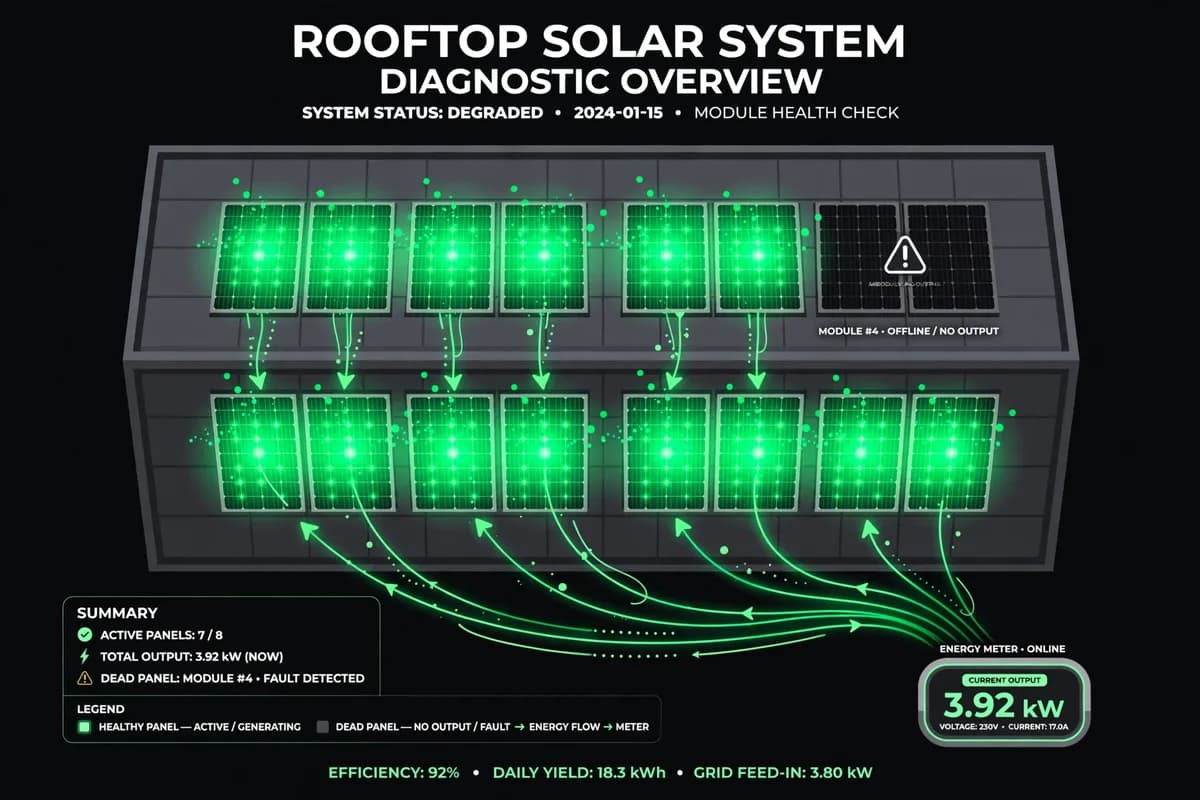
- A single dead solar panel can hide inside normal-looking system totals for months, because one panel is only a small share of total output.
- Enphase and SolarEdge apps both show panel-level production as a color-coded roof layout: a grey or black panel at midday is the signal to investigate.
- One dead 400-watt panel loses roughly 600 kWh a year, worth about $102 at retail rates or $30 at export rates, so a fault left for five years costs $150 to $510.
Dead solar panel: a panel that produces little or no power because of a failed cell string, a failed bypass diode, a failed microinverter or optimizer, or a broken connection, while the rest of the array keeps working normally.
The diagnostic logic is comparison against neighbouring panels: a healthy panel tracks its neighbours through sun and cloud, while a failed one trails them by a wide margin day after day, and the pattern of the shortfall — one panel versus a whole roof face — separates hardware failure from shade, dirt, or pollen. That comparison works on either major monitoring platform, and it needs several days of data to mean anything.
Most US homeowners have one of two monitoring systems, Enphase or SolarEdge, and the checks below cover both, plus what to do if your inverter shows only system totals. The checks take about ten minutes, and they work best as a monthly habit rather than a one-off response to a high bill.
Why one dead panel hides in your system totals
Consider a typical 8 kW rooftop system with twenty 400-watt panels. One dead panel removes 5% of output. On a month with mixed weather, a 5% shortfall is invisible: cloud cover alone moves monthly production by more than that. Even a careful owner comparing month to month will struggle to separate a dead panel from a cloudy month, a dusty month, or a shorter month.
The difference between monitoring systems matters here. Systems with module-level electronics, Enphase microinverters or SolarEdge optimizers, report production for every panel individually. Systems with a single string inverter report only the total for each string of panels, so a dead panel shows up as a slightly weak string and nothing more specific. If you know which type you own, you know how precise your diagnosis can be before you open the app.
The other reason dead panels go unnoticed is that failure is usually partial at first. A bypass diode failure, for example, can knock out one third of a panel rather than the whole thing. Output drops, but the panel still registers something, so it never triggers the “zero production” alarm an owner might expect.
How to check the Enphase app for a dead solar panel
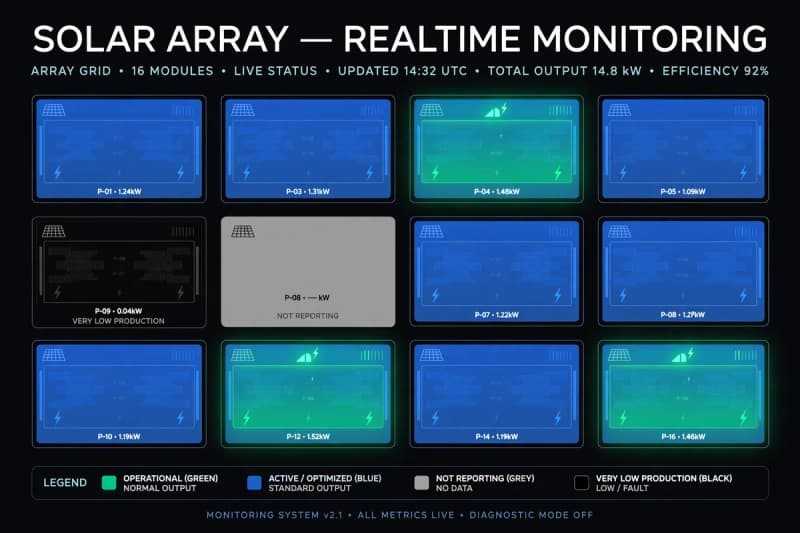
Enphase documents the check in its own support material. Open the Enphase app and tap Array at the bottom of the screen. The array view shows your roof as a grid of panels, color-coded by production: lighter blue means higher production, darker blue to black means lower production. A panel shown in grey is not reporting at all.
Timing matters. Check the array view during peak hours, roughly 11 a.m. to 5 p.m., when every unshaded panel should be producing strongly. A panel that is black during those hours is producing very little energy, and Enphase’s guidance says that is the point to examine whether the problem is the panel or the microinverter. A panel that is grey is a different symptom: the microinverter is not communicating, which can mean a failed unit, a wiring fault, or a connectivity problem rather than a dead panel.
For a second view, go to Menu, then System, then Devices, and open the microinverter list. This shows the status of every microinverter on the system, which helps separate a reporting failure from a production failure. Enphase also advises comparing a suspect panel only with neighbors that share its orientation and shading, since panels on different roof faces legitimately produce different amounts.
How to check the SolarEdge app for a dead panel
SolarEdge’s app works on the same principle through its Layout view. Tap Layout next to Dashboard to see a schematic of your inverters, strings, and modules arranged as they sit on the roof. Panels producing the most energy show in light blue, and panels producing less show in dark blue, so an underperforming module stands out against its neighbors in the same string.
SolarEdge optimizers sit under each panel and report module-level data, so like Enphase, the system can point to one panel rather than one string. If your installer set up monitoring, the layout view is available in both the app and the web portal, and the portal is better for comparing weeks of history side by side.
What to check if your inverter shows no panel-level data
Owners with a plain string inverter cannot see individual panels, but they can still catch a dead panel with three comparisons. First, compare each string’s daily output if the inverter reports per-string totals: a string running consistently below its twin on the same roof face is the suspect. Second, compare daily production with an expected figure for your system size and location, allowing for weather. Third, compare the same month year over year, since that controls for sun angle.
A single day proves nothing. A string that trails its twin by a similar margin for two weeks, across sunny and cloudy days alike, is a fault signature rather than weather. At that point the diagnosis needs an installer with clamp meters and roof access, but the owner arrives with dates and numbers instead of a hunch.
Ruling out shade, dirt and weather before you call anyone
Not every dark panel is a dead panel, and Enphase’s support guidance makes the same point: short-term differences that disappear when weather improves are normal. A vent stack, a chimney, or a neighbor’s tree can shade one panel for part of the day, and that panel will legitimately trail its neighbors during those hours.
The test is persistence plus pattern. Shade moves with the sun and the seasons, so a shaded panel’s shortfall changes through the day and fades in some months. A dead panel’s shortfall stays in the same place, at the same scale, day after day. Dirt and pollen behave differently again: they depress a whole roof face or the whole array rather than a single panel, and they wash off. Our guide to whether solar panels need cleaning puts numbers on that effect.
Compare over multiple days or weeks; a single afternoon’s reading proves little. If the same panel trails comparable neighbors by a wide margin on sunny days across two weeks, shade and weather are no longer plausible explanations.
What a dead 400-watt panel costs if nobody notices
The cost of a dead panel is small per month and large over time, which is exactly why it escapes attention. The table below uses a stated assumption, a typical US yield of 1,500 kWh per kW per year, applied to a single 400-watt panel. The two price columns reflect the two ways lost solar energy is valued: electricity you would have used yourself, priced at a typical retail rate of 17 cents per kWh, and surplus electricity you would have exported, priced at 5 cents per kWh under a net billing tariff like California’s NEM 3.0. Our net metering versus net billing explainer shows why that gap matters.
| Measure | Figure |
|---|---|
| Panel rating | 400 watts |
| Annual energy lost | 600 kWh |
| Value if self-consumed (17 cents/kWh) | $102 per year |
| Value if exported (5 cents/kWh) | $30 per year |
| Three years undetected | $90 to $306 |
| Five years undetected | $150 to $510 |
| Share of a 20-panel, 8 kW system | 5% of output |
The range is the point. A household that consumes most of its solar output loses the retail value, and a household that exports most of it loses the smaller export value. Either way, a ten-minute monthly check is cheap insurance against a loss that compounds silently for years.
When to call your installer, and what to send them
Call your installer when one panel trails comparable neighbors across two weeks of sunny days, or when a panel shows zero production or stops reporting entirely. Send three things: dated screenshots of the array or layout view showing the suspect panel, the panel and microinverter serial numbers if the app shows them, and a note of when the shortfall started, which the app’s history view can usually pin down.
Installers typically start with the cheapest test, which is re-seating the panel leads and the microinverter cable, then moving the suspect panel to a neighboring position to see whether the fault moves with the panel or stays with the location. That test separates a panel fault from a microinverter or wiring fault without replacing anything. If the panel maker is still in business, a documented fault with screenshots and serial numbers is the basis for a warranty claim, so keep the evidence even if the installer is slow to respond.
Do not go on the roof yourself to test panels. Roof work around live DC wiring is a job for someone with the right disconnect tools and fall protection. The app gives you everything needed to make the case from the ground.
Frequently asked questions
How do I know if a solar panel is dead or just shaded?
Shade moves with the sun and changes through the day and the seasons. A dead panel trails comparable neighbors by a similar margin day after day, including on clear days at midday. Compare over two weeks before concluding anything.
What does a grey panel mean in the Enphase app?
Grey means the panel is not reporting, which points to a communication or microinverter problem rather than a confirmed dead panel. Check the Devices view for microinverter status, and check whether your gateway is online, before assuming the panel itself has failed.
Can a string inverter system detect a single dead panel?
Not precisely. A string inverter reports totals per string, so a dead panel appears as one weak string. Comparing strings on the same roof face over two weeks can identify the suspect string, but pinpointing the panel needs an installer’s testing equipment.
Does a dead panel affect the rest of the system?
With microinverters or optimizers, no: each panel operates independently, so the rest of the array is unaffected. With a plain string inverter, a badly underperforming panel can drag down its whole string, which is one more reason to catch it early.
How often should I check my monitoring app?
Once a month is enough for most owners. Open the array or layout view at midday on a sunny day, scan for any panel that looks out of place against its neighbors, and compare the month’s total with the same month last year.